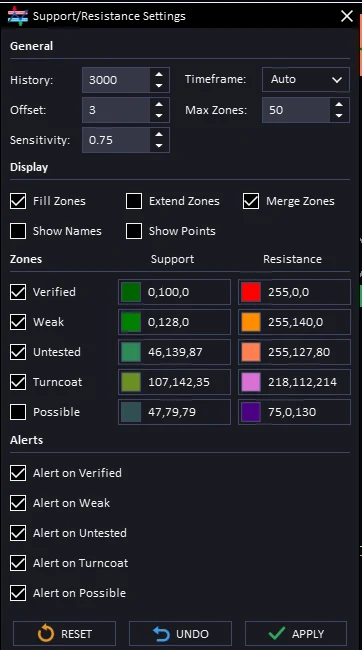
Ready-made strategies, alert hours and alerts for each zone
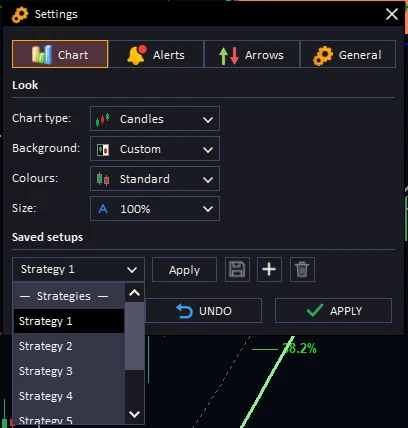
Strategies in Setups: the Discord strategies (Strategy 1 to 7 and Scalping Signals) now sit in the Setups list. Tap one to load it
Alert hours: pick the hours your alerts may ring (your computer’s clock), and how many minutes before the same alert rings again. Find it in the inputs, section 31
Close alerts switch: turn off the “close the trade” alerts from the Scalp and Road arrows if you only want entry alerts
Supply & Demand alerts by zone: in the Supply & Demand settings, tick which zone types alert you
Safer lot size: the suggested lot now counts your open trades too, so trades in loss make it smaller
Numbered inputs: every input has a number, like 20.3, so it is easy to find
Fixes: the small chart at the bottom of the panel clicks again, the title bar buttons fit when the panel is folded, and the gear icon is smaller
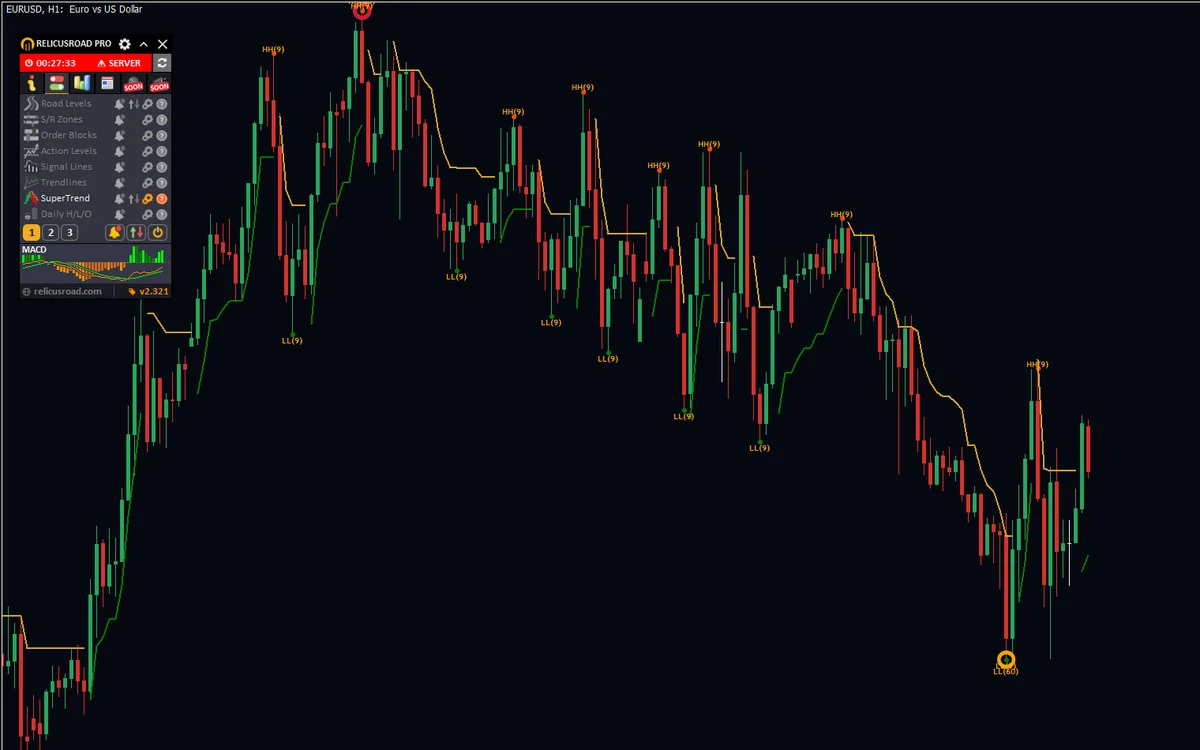
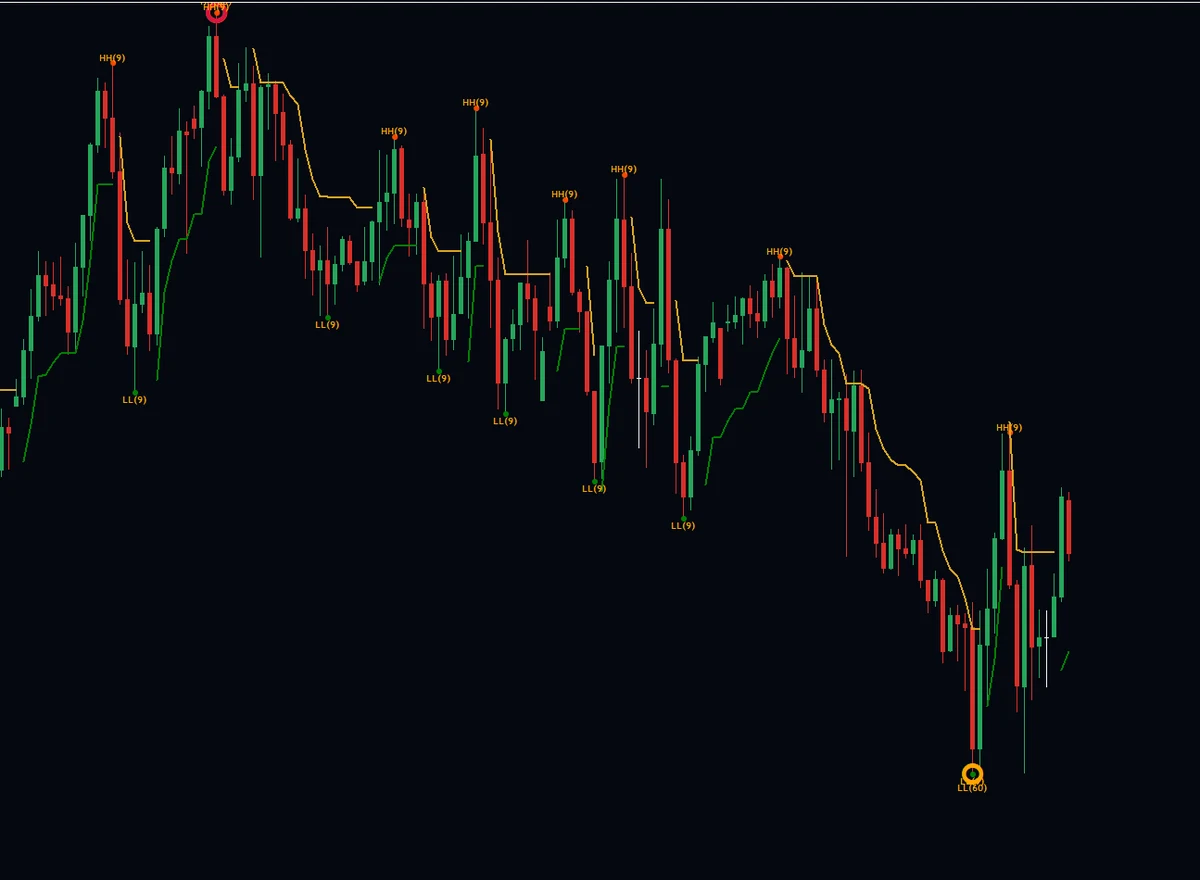
New: ready-made strategies in Saved setupsStrategy 7 loaded: SuperTrend and Dynamic CirclesNew: alerts for each S/R zone type
One Settings window, a panel size you choose, a News tab and Divergence
One Settings window: tap the gear at the top of the panel for Chart, Alerts, Arrows and General settings, each in its own tab
Saved setups: save your look and settings, add as many as you like, apply one with one click, remove one with the bin
Panel size: make the panel 50% to 150% in Settings > Chart. Tap Keep to keep it. Tap Go back, or wait 15 seconds, and it goes back
Pictures in the lists: every choice for chart type, background, colours and size shows a small picture
Arrow settings work again: they used to open empty; they now live in the Arrows tab
News tab: this week’s news by day, how big each one is, and a filter for each currency
Divergence (new, off at first): a green or red mark when price makes a new high or low but the move behind it is getting weaker. Turn on its alert if you want one
Softer sounds: new calm clicks and chimes
Calmer look: title bars keep one colour, and buttons, tabs and the small charts light up when your mouse moves over them
Tidier inputs: the inputs list is split into numbered sections
Smaller file: about half a megabyte smaller
Forecast removed: the M5 Market Language forecast is gone. It was off by default
A full makeover: new Features list, fresh icons, a faster chart and cleaner Support & Resistance
New Features list: every feature in one list, with its alert, arrows, settings and help buttons on the same row, across three pages
One-tap switches: turn every alert, every arrow set or every feature on or off with one tap, each with a count badge
Fresh icon set: new feature icons across the panel and tabs
Every control responds: buttons, toggles and tabs light up under the mouse and react on click, and windows open instantly
Softer light theme: one calm grey, with the mini charts sitting cleanly on the panel
Mini charts: the bottom mini chart highlights on hover, and the Charts tab cycles its slots with a click
Heikin-Ashi NW: a sixth chart type, Heikin-Ashi without wicks, in the Appearance menu
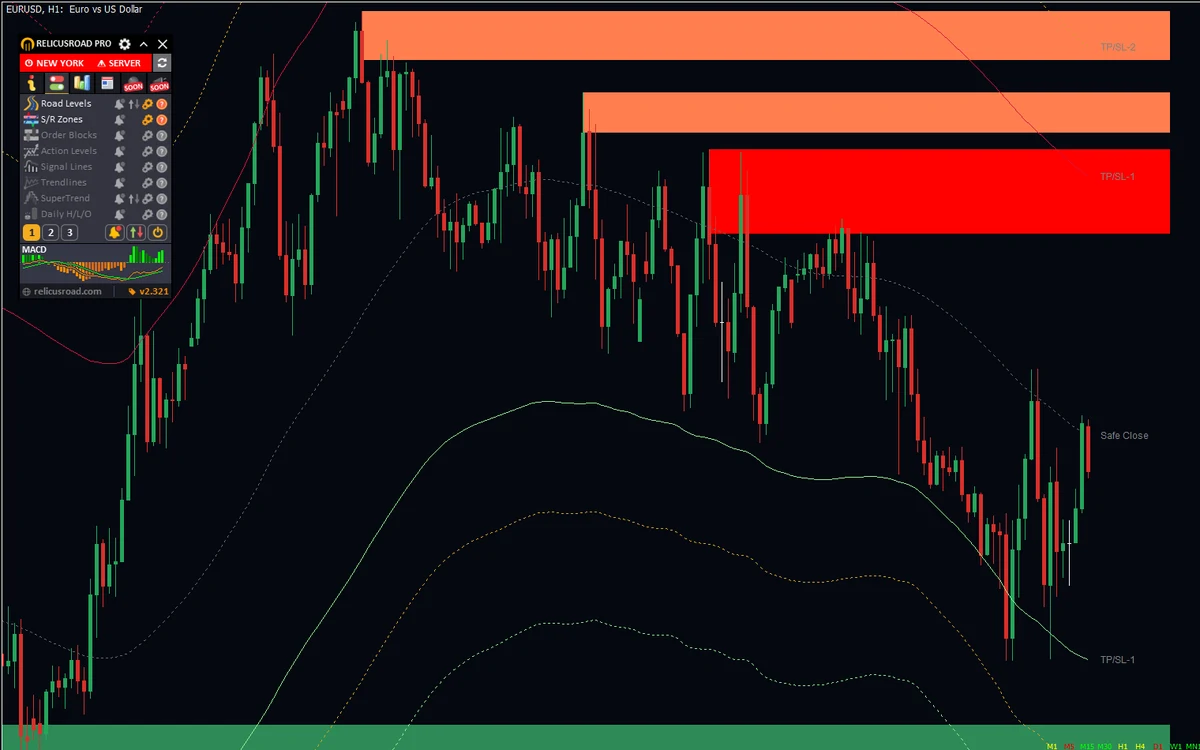
Cleaner Support & Resistance: the classic zones are back, showing only the strongest recent and long-standing ones, older levels a shade darker, each starting at the candle that formed it
SuperTrend Arrows: the Scalping Arrows now live on SuperTrend’s arrows button, with TP/SL lines drawn when an arrow fires
Trend Bar order: show the Multi-TF Trend Bar from M1 to MN1 or from MN1 to M1
Faster and lighter: no more pause on each new candle, and less load on your chart
Live matches reload: arrows on a live chart now match what you see after a reload
Fixes: no MT4 crash when removing Pro mid-redraw, the Trend Bar refreshes on the lowest timeframe, Buy TP/SL labels corrected, Market Sessions draw on M15 and below
Website licence: licences now check on relicusroad.com, and trial keys run on demo accounts
Switch chart styles from the panel, and every window now fades in and out smoothly.
Chart style in one click: the Appearance menu now switches between Candles, Bars, Line, Heikin-Ashi and Hollow, plus a new Charcoal background and Yellow colour set
Smooth panel: tooltips, settings windows and tab switches fade in and out instead of popping, on MT4 and MT5
A guide for every feature: the Help tab now matches the On/Off tab page for page, with new guides for Order Blocks, MultiTF Trend Bar and Formula Signals
Same spot on every tab: each feature sits in the same place on On/Off, Settings, Alerts and Help
Update badge (website version): the footer shows UPDATE in red when a new release is out; click it to see what’s new
Fixed orange star and X markers filling the chart after loading a new symbol or reconnecting on MT5; Scalping, Reversal and Trend arrows now redraw cleanly
Candles no longer get pushed off-screen by those stray markers
Shares the chart properly with other EAs and rebuilds its objects if another tool deletes them
Choose a trading strategy in the input settings and the indicator switches its features on and off to match (see the strategies channel for details on each one)
Prefer your own approach? Enable the custom strategy option and turn features on and off yourself
Choose a trading strategy in the input settings and the indicator switches its features on and off to match (see the strategies channel for details on each one)
Prefer your own approach? Enable the custom strategy option and turn features on and off yourself
New input option that stops the chart moving when you move Trade Manager or Trade Assistant: place the InfoBox where you want it, then set the option to true (temporary fix)
New input option that stops the chart moving when you move Trade Manager or Trade Assistant: place the InfoBox where you want it, then set the option to true (temporary fix)